
Product demo is engaging, fun, and risky all at the same time. One unexpected fail ignites the chill that sweats our back.
1. Cables, cables, cables
Sudden voice drop, mic caught on nearby conversation, unexpected low battery notice; the problem is wireless connections are not always reliable. We can’t guarantee cabled network connection, but keeping the power cable and headset minimize the risk of equipment not going our way.
2. Reboot
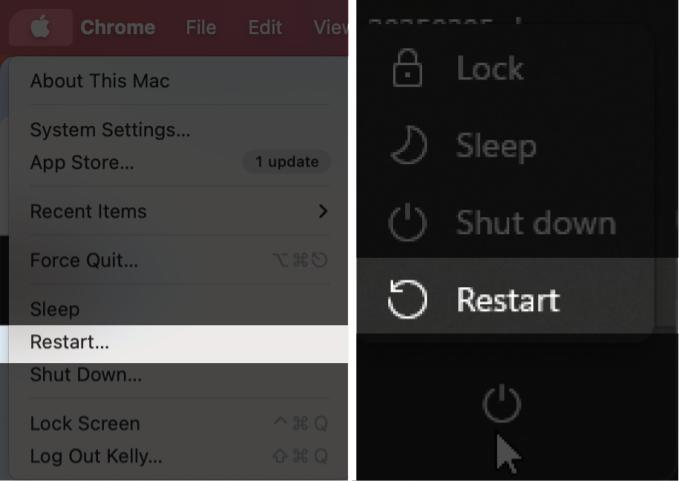
Give the device a fresh start so there’s no unused apps in the background occupying the RAM or hiccups from not closing the product app properly. Reboot solves most tech problems.
3. Check the screen mode
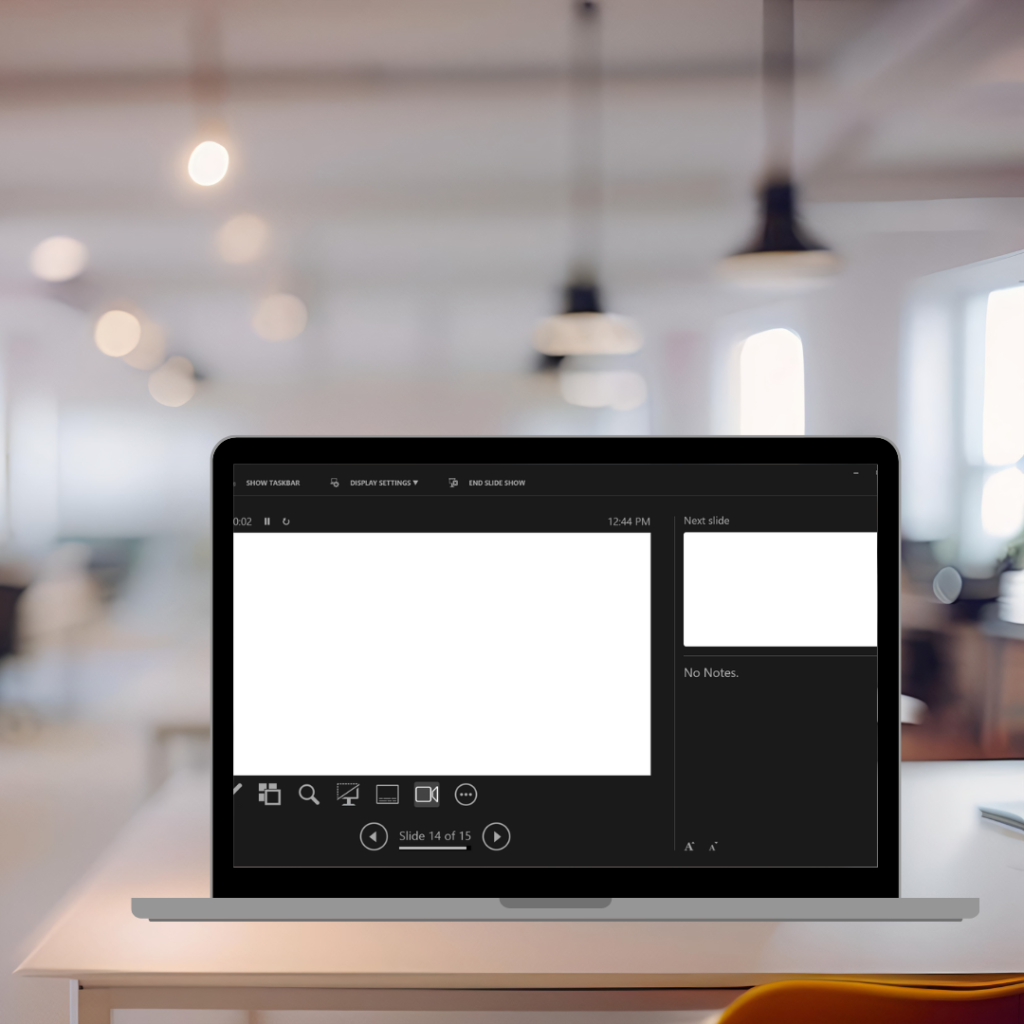
We’ve either seen this or done it ourselves, sharing the notes rather than sharing the slide. Each reattempt to share the screen is likely the audience switch to their Outlook or Gmail.
4. Close all social applications
Midway through the screen sharing, message preview pops up, and continues to fire in on the top-right corner. We can’t turn open the app, that’s just unprofessional. We’re left to click the “x” button to close the preview, hoping we did it fast enough that no one read the message and the trash talk stops. Make sure only the essential apps are open, the presentation, the product, and the meeting app so we avoid hell.
5. Check the webcam
Virtual presentation is hard to keep the audience engaged, so every engagement helps. Let people see your expression, gesture, nervousness; it makes the performance more human. Especially in an AI flooded world, this helps to keep them there.