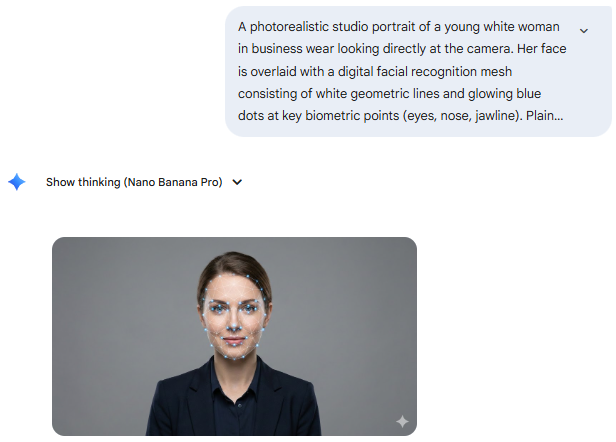
I previously wrote about reverse engineering visual backgrounds for my slide use.
Similar technique applies to key visual too. The example in this case:
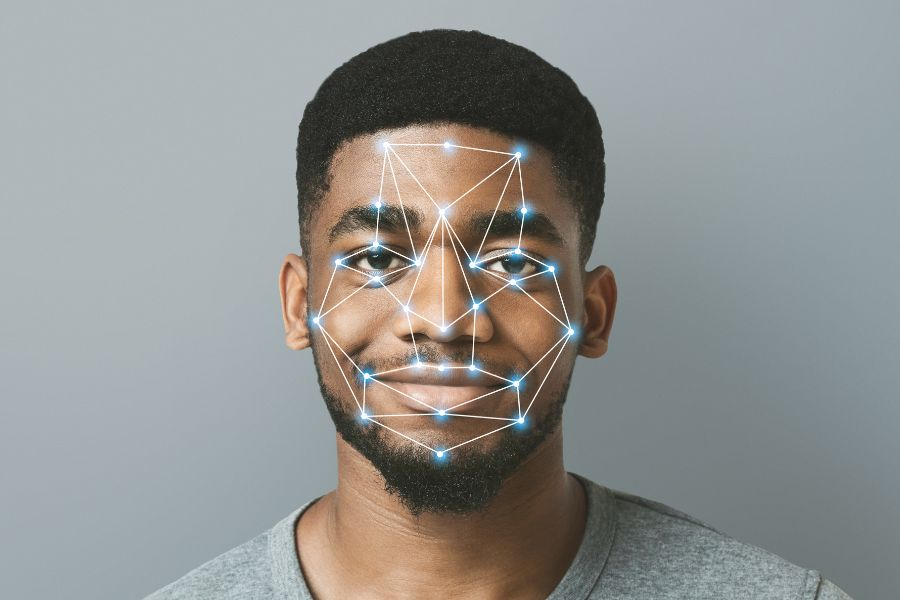
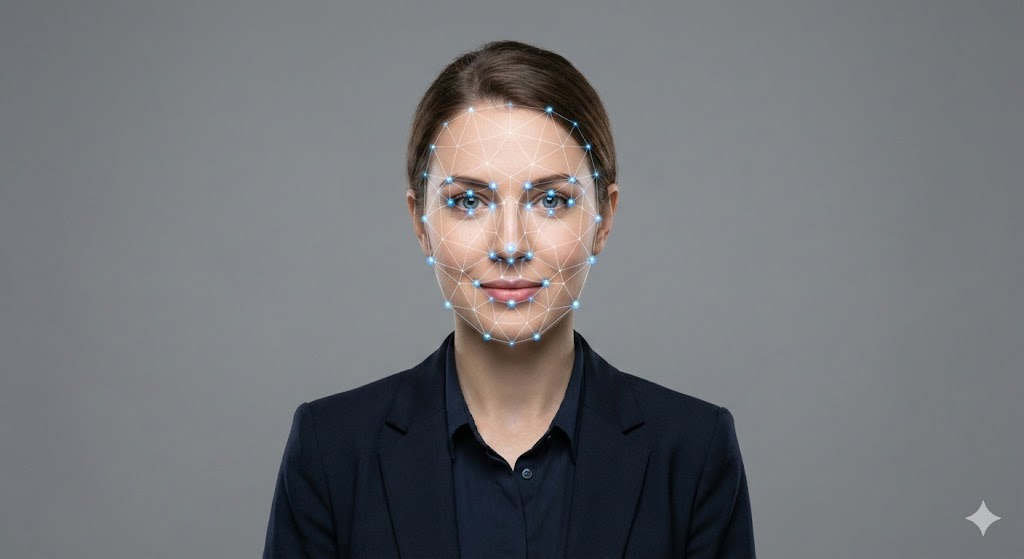
The problem:
- Finding stock image of a corporate lady. Level: easy, find in shutterstock.
- Overlay geometric lines. Level: difficult, need to design the shape of lines, number of nodes, area of face to overlap, etc.
Platform: Gemini
Step 1> Reverse engineer the source image into possible prompt
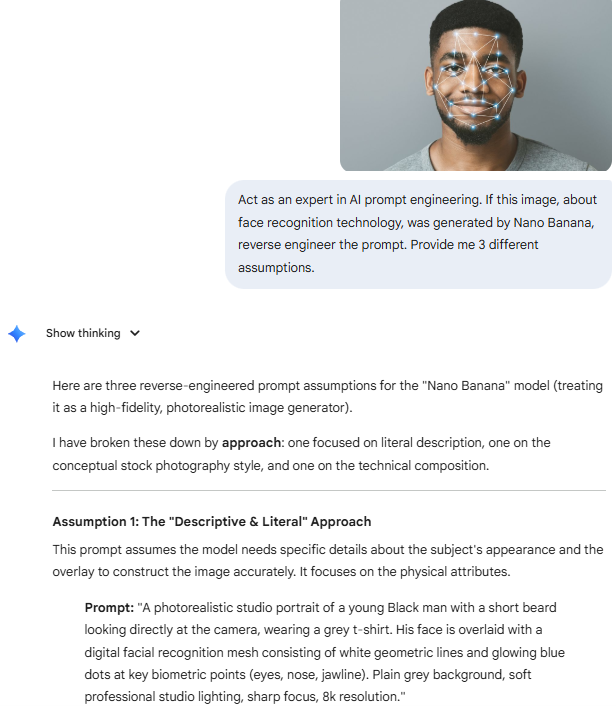
Step 2> Change the elements in the prompt
Reverse engineered prompt
A photorealistic studio portrait of a young Black man with a short beard looking directly at the camera, wearing a grey t-shirt……
Modified input prompt
A photorealistic studio portrait of a young white woman in business wear looking directly at the camera……
Step 3> Open new chat, select Nano Banana and paste the prompt.